Quick Start
This guide walks through creating an agent and running a conversation after Nexora is installed.
Log in
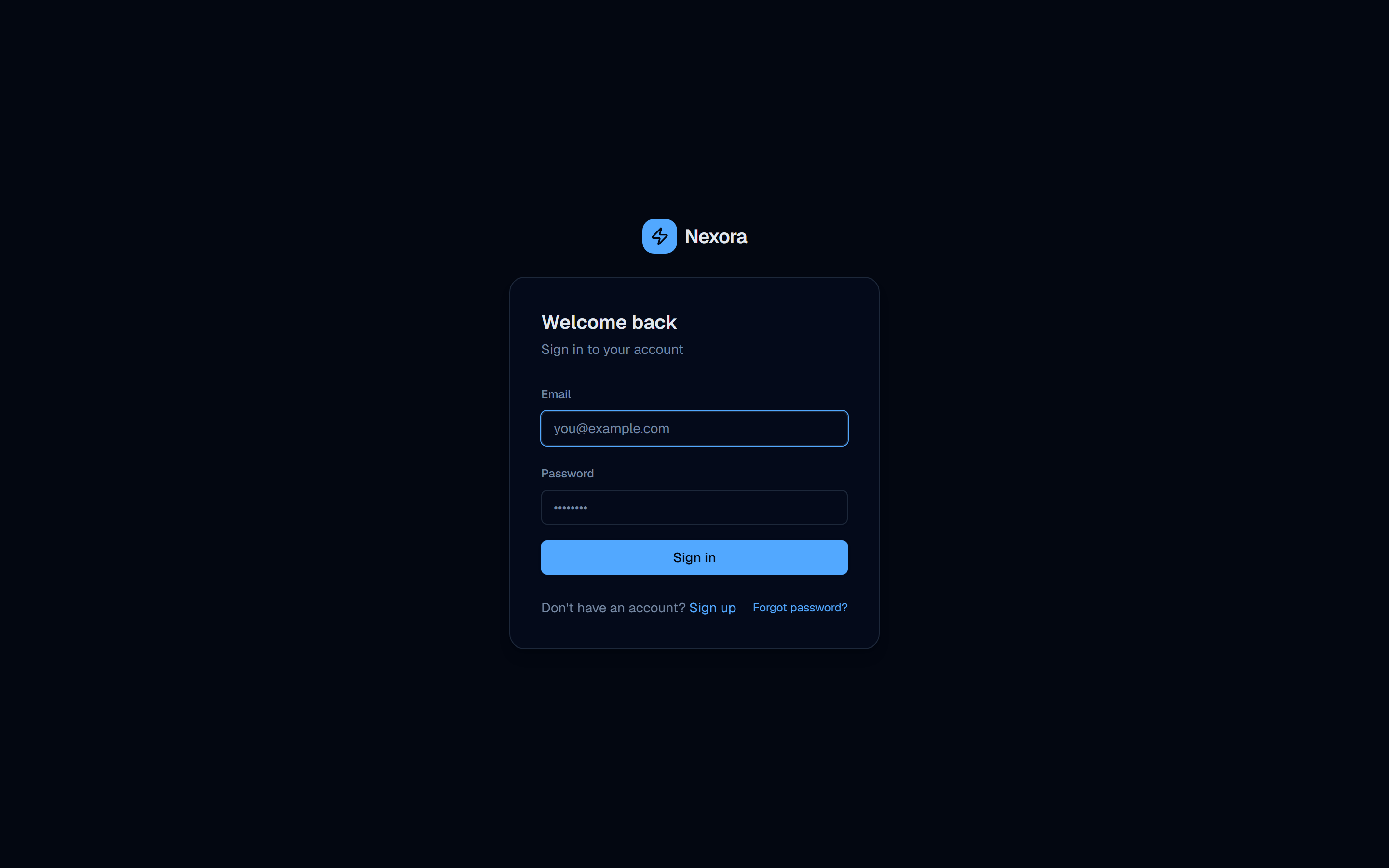
Navigate to your Nexora instance (http://your-host) and create your admin account or sign in.
On a fresh install, you will land on a First-time setup screen to create the owner account and workspace.
Reach the workspace
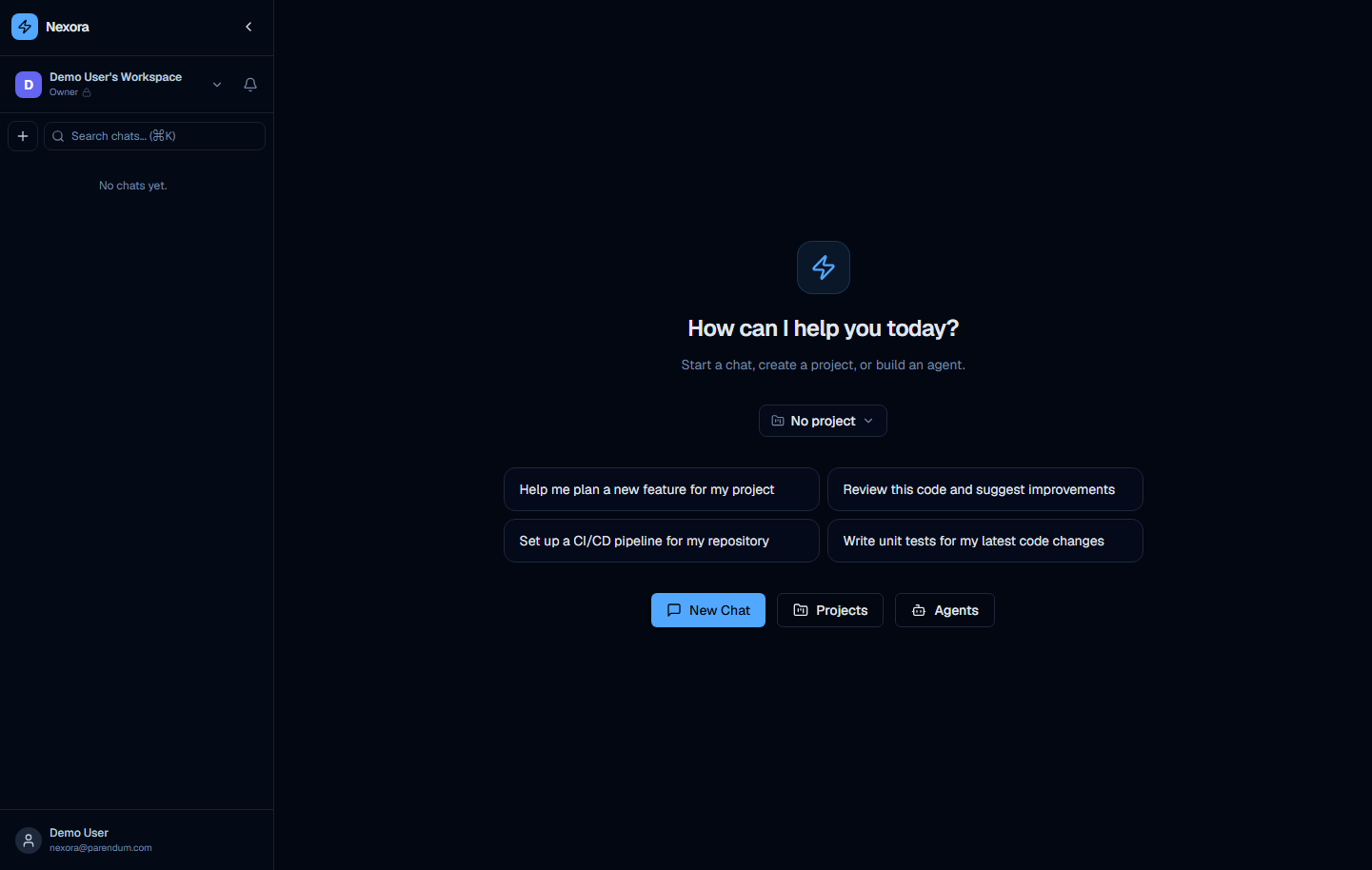
After login you land in the chat workspace. The sidebar shows your organization and chats.
Add an LLM provider
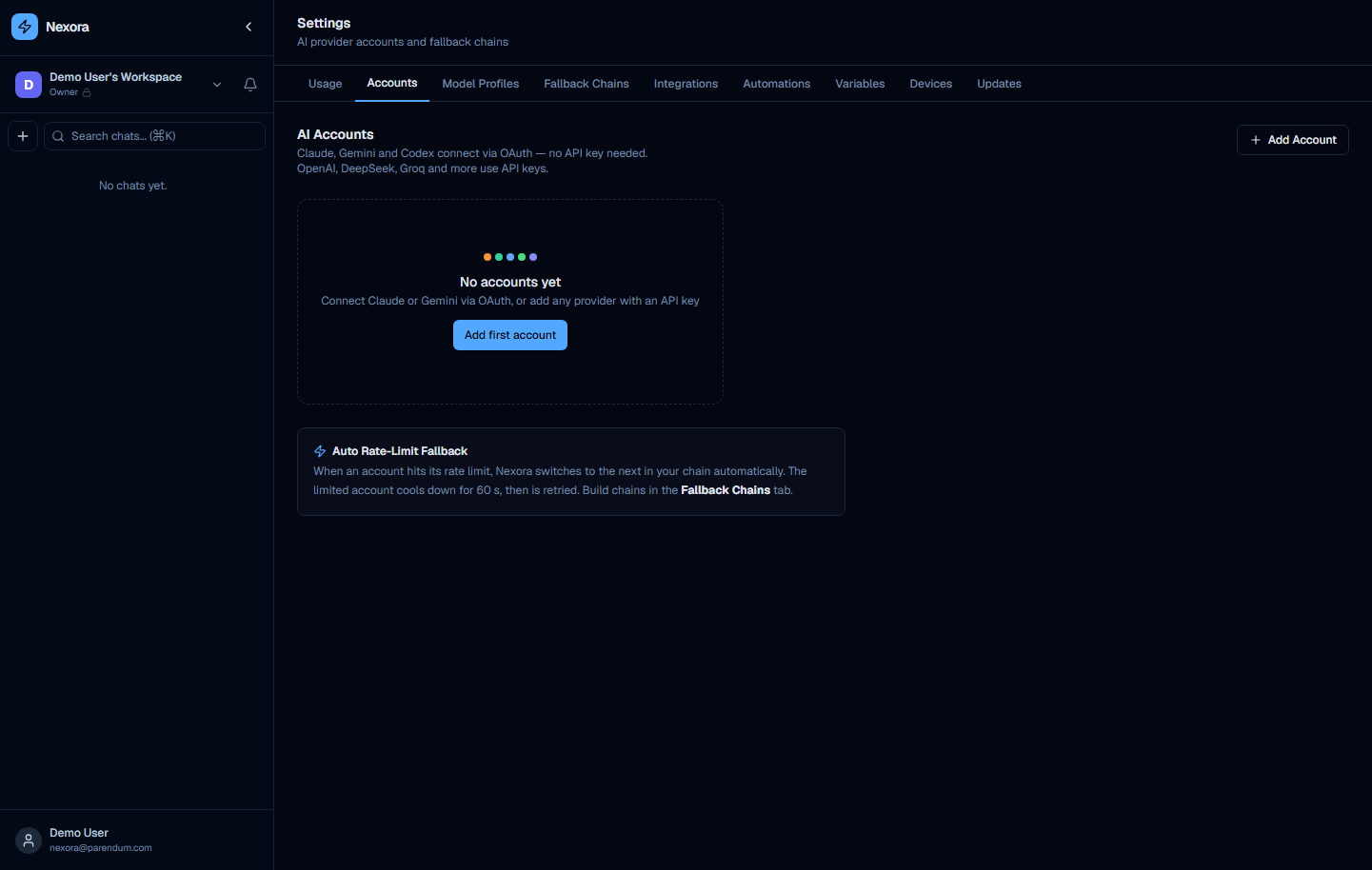
Go to Settings → Accounts and click Add Account.
API-key and OAuth/CLI providers both work for agentic workflows.
API-key providers call the vendor API directly. OAuth providers (Claude, Gemini, Codex) authenticate through their respective CLI tools and run the model inside that CLI process; Nexora instruments the CLI so its native sub-agents surface as live sub-chats, and CLI accounts can sit in provider chains and delegate to other agents like any other account. The main practical difference is token/usage accounting and tool-call visibility, which are richer with a direct API key.
Recommended providers (API key):
Nexora ships with ~45 API providers plus CLI/OAuth providers for Claude, Gemini, and Codex. The core provider chain is Claude → Gemini → OpenAI → Ollama with automatic fallback; the providers below are common starting points.
| Provider | Key format | Where to get it |
|---|---|---|
| Anthropic (Claude) | sk-ant-... | console.anthropic.com |
| Google Gemini | (API key) | aistudio.google.com |
| OpenAI | sk-... | platform.openai.com |
| Ollama | (none) | Self-hosted, no key needed |
| DeepSeek | sk-... | platform.deepseek.com |
| Groq | gsk_... | console.groq.com |
| OpenCode (Zen / Go) | sk-oc-... | opencode.ai — one key for frontier + budget models |
Select the provider, paste your API key, and click Add Account.
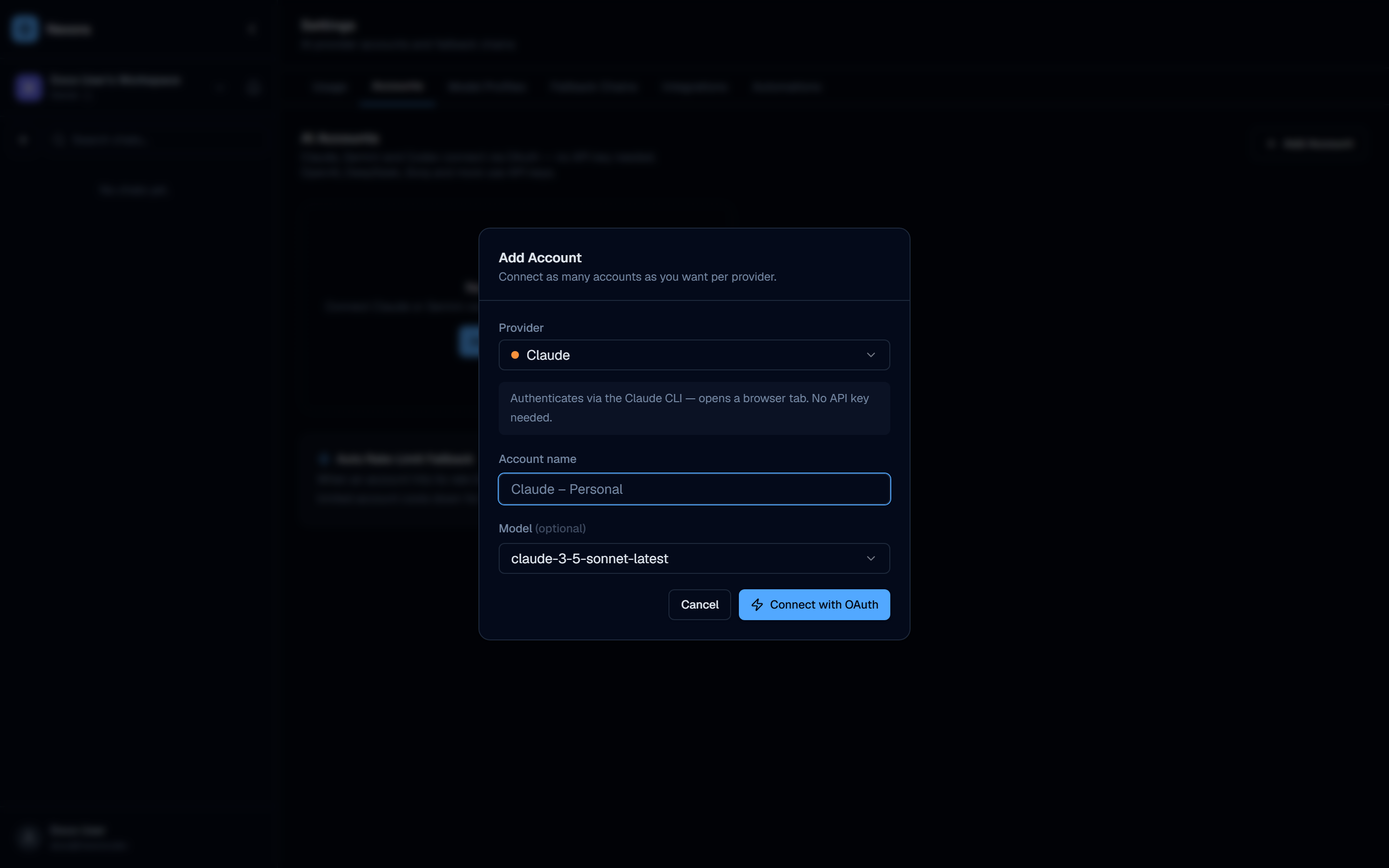
You can add multiple accounts per provider — Nexora chains them automatically for rate-limit fallback.
Create an agent
Go to Agents → New Agent. The wizard walks you through five steps.
Step 1 — Template — optionally start from a built-in agent template (or skip to build from scratch):
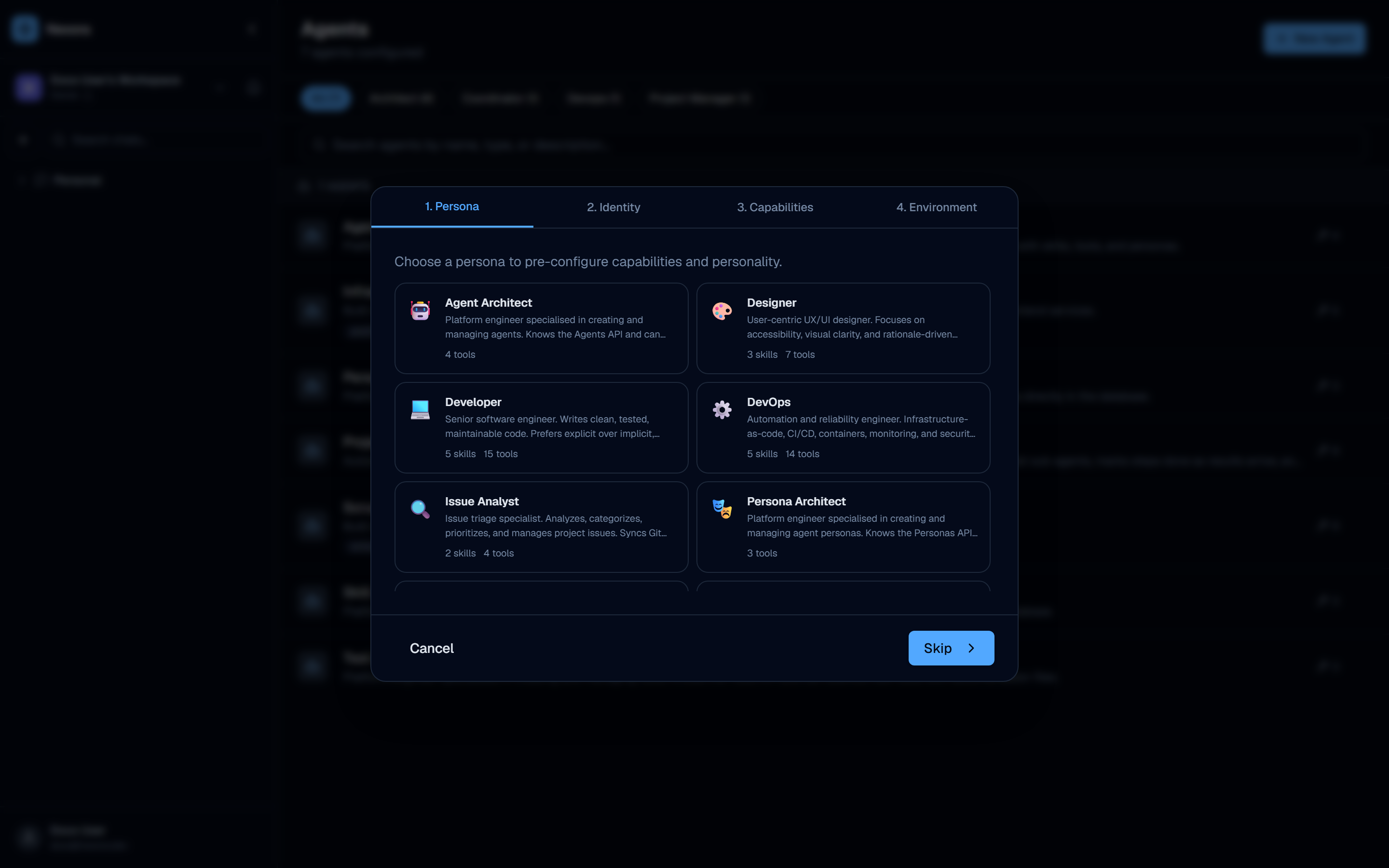
Step 2 — Persona — choose a persona to pre-configure capabilities and personality.
Step 3 — Identity — set a name, personality traits, and system prompt (pre-filled from the persona).
Step 4 — Capabilities — select tools (GitHub, GitLab, shell, git, HTTP requests…) and skills.
Step 5 — Environment — optionally configure environment variables the agent can access.
Click Create to save.
Start a conversation
Open New Chat from the workspace, select your agent, and start messaging.
The agent streams responses in real time via WebSocket. Tool calls appear inline as the agent executes them. Sub-agents run in parallel when the agent spawns them.
Provider types explained
API key providers (recommended)
Nexora calls the provider API directly. This gives the richest control surface:
- Sub-agent spawning and coordination
- Provider chains with automatic fallback
- Token usage tracking
- Streaming tool calls visible in the UI
OAuth / CLI providers
Claude, Gemini, and Codex authenticate through their respective CLI tools installed in the Docker container. The model runs inside the CLI process — Nexora orchestrates the CLI as a subprocess. Sub-agents still work: Nexora instruments the CLI so the agents it spawns natively appear as live sub-chats, and these accounts can be used in provider chains and delegate to other agents. They are recommended when you prefer OAuth over managing API keys; the trade-off is coarser token-usage accounting and tool-call visibility compared with a direct API key.
Agent capabilities
Tools
Tools give agents access to external systems:
| Tool | What it does |
|---|---|
github_* | Read/write repos, issues, PRs via GitHub App (github_read_file, github_create_pr, …) |
gitlab_* | GitLab read/write (gitlab_read_file, gitlab_create_mr, …) |
shell_run | Execute shell commands |
git_* | Run git operations: git_clone, git_commit, git_push, git_diff, git_status, … |
http_request | Make HTTP requests (hardened, with SSRF allowlisting) |
web_search / web_scrape | Search the web and fetch page content |
slack, notion, jira, linear | Integration tools for popular services |
Nexora ships ~90 builtin tools (file ops, git/GitHub/GitLab, Docker, code execution, Playwright, knowledge search, agent-to-agent messaging, task/plan management, and more). Telegram, email (SMTP), MCP servers, and scheduling are exposed through dedicated integrations / features rather than as single tool keys — see the UI Guide for the full catalog.
Sub-agents
An agent can delegate tasks to other agents. Sub-agents run in parallel (Redis-coordinated) and results are aggregated before returning to the parent.
Parent Agent
├── Sub-agent A (research)
├── Sub-agent B (write code)
└── Sub-agent C (review PR)
        ↓ results merged
Parent Agent continues
Concurrency limits:
MAX_CONCURRENT_AGENTS=2per workerMAX_CONCURRENT_AGENTS_PER_ORG=4across all workersTASKS_PER_BATCH=2tasks dispatched per batch
Skills
Skills inject specialized instructions into the agent’s system prompt. Built-in skills include code review, search, summarization, and more. Custom skills can be added in seeds/skills/custom/.
All agent, tool, and skill definitions are file-based (seeds/ directory). No code changes needed to add new agents — drop a JSON + Markdown file and restart.