Password Reset
If you forget your password, you can reset it from the login page — no administrator action is required, as long as your instance has SMTP email configured.
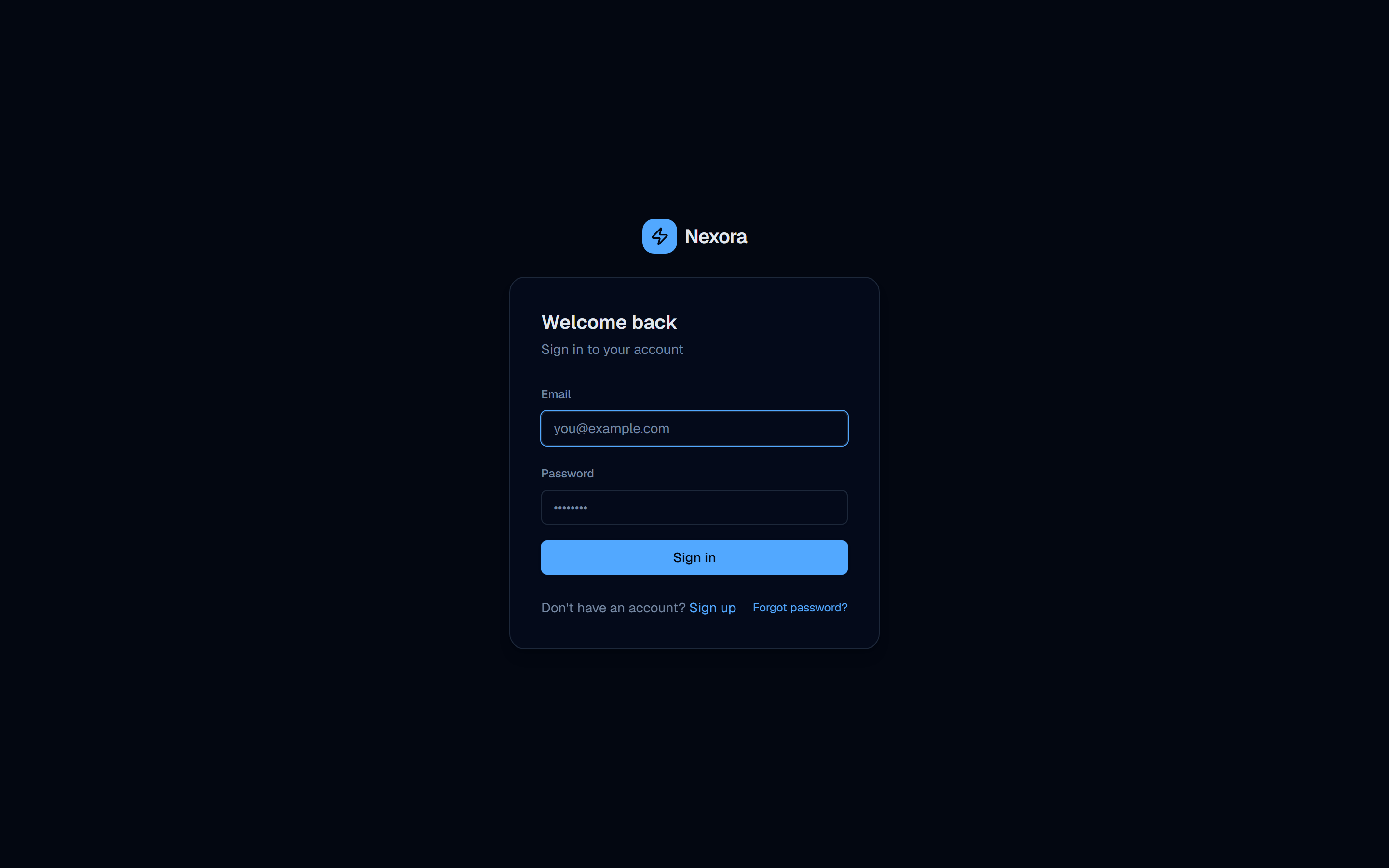
Request a reset link
On the login page, click Forgot password? to go to /forgot-password. Enter your account email and submit.
For privacy, Nexora always responds with the same confirmation message whether or not the email is registered — “If that email is registered you will receive a reset link shortly.” This prevents attackers from probing which emails have accounts.
Open the link from your inbox
If the email matches an active account, you receive a message containing a reset link of the form /reset-password?token=…. The link is valid for 1 hour and can be used once.
Set a new password
Open the link to land on the reset page with the token pre-filled. Enter your new password (it must satisfy the platform’s strength rules) and submit.
On success you are signed in immediately, and all existing sessions are invalidated — any other device that was logged in will need to sign in again with the new password.
Password reset emails depend on a working SMTP configuration on the server. If no SMTP is set up, the request still returns the same confirmation message but no email is sent — see Self-Hosting → Configuration to enable email.
Reset requests are rate-limited (a few attempts per email over a short window). If you don’t receive a link, wait a minute, check spam, and confirm SMTP is configured before retrying.