Channels
The channels tab surfaces external conversations that reach the platform through an integration — for example, people chatting with your Nexora agent over a Telegram bot. Each external chat becomes a real conversation you can read in real time and reply to from the terminal, just like an in-app chat.

The model
There are two pieces, configured in two places:
- Integration (Settings → Integrations) — the provider account: e.g. a Telegram bot token, the agent that answers, and which external chats are allowed. This is the connection to the provider.
- Channel (Channels tab) — a communication channel bound to an existing integration. Creating a channel associates it with an account you already connected in Integrations.
Configure the bot credentials first under settings → integrations, then create the channel under the channels tab and pick the connected account. A channel needs an integration to exist.
Setting it up
Connect the provider in Integrations
Open settings → integrations, add the provider account (e.g. paste your Telegram bot token), choose the agent that should answer, and set the allowed chats.

Create a channel
Go to the channels tab and press n to create a new channel. Bind it to the integration / account you just connected.
Read & reply
Open a channel to see its conversations. Incoming messages stream in live; type to reply. Your reply is delivered back to the external user through the integration, and the exchange stays in sync across the web UI, the mobile app, and the terminal.
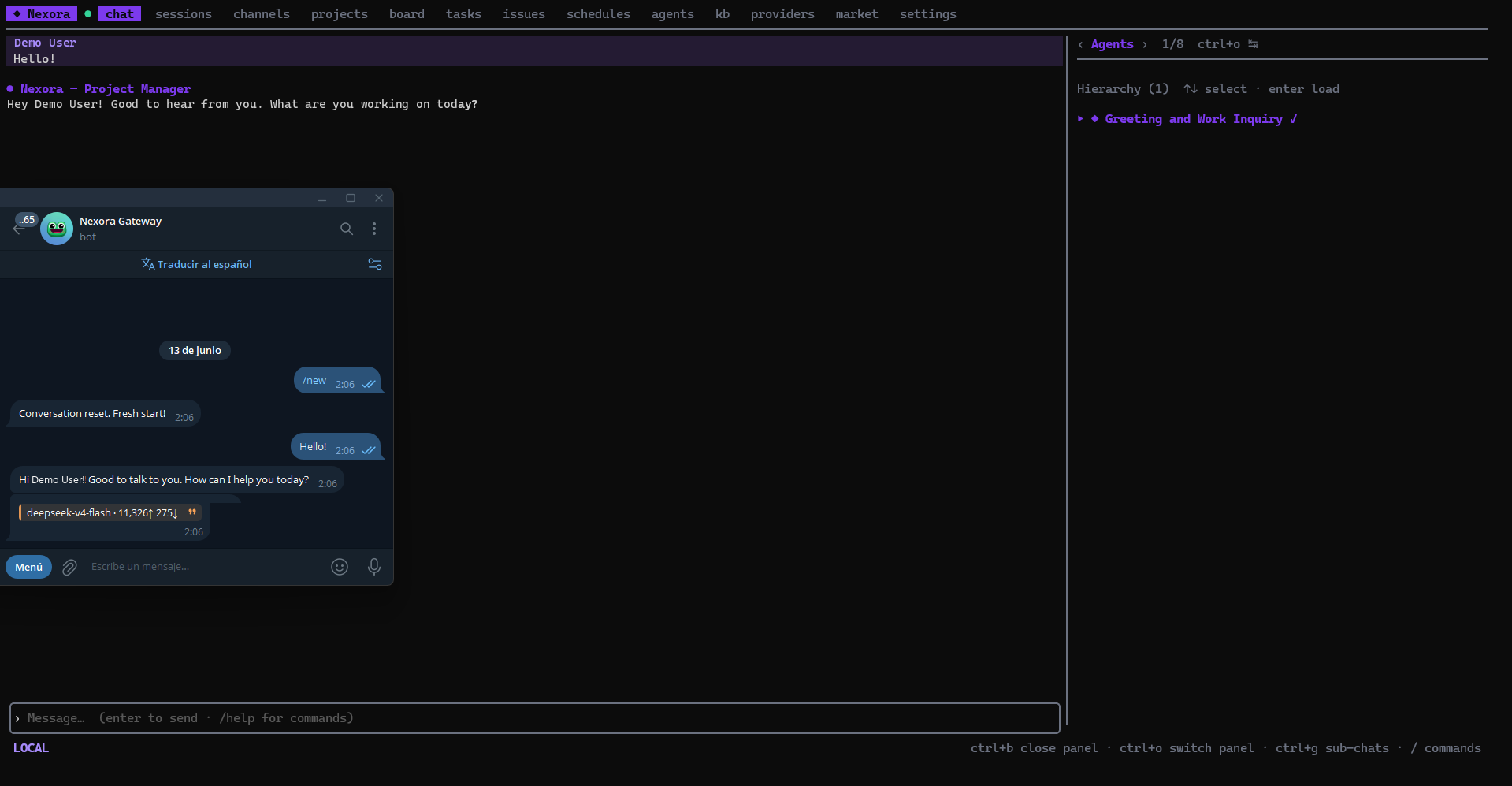
Real-time sync
Channel conversations sync in real time across every client. A message a user sends from Telegram appears immediately in the TUI; a reply you send from the TUI (or the web UI) shows up everywhere at once, de-duplicated so your own message isn’t echoed twice.
The integration and the external-chat plumbing live in Nexora core. The TUI is a client over the same API the web UI uses, so channels you set up in the browser appear in the terminal and vice-versa.