Local Execution
By default a Nexora agent’s shell and file tools run inside the server container. Local Execution flips this: the TUI acts as a tool proxy so the agent’s shell_run, file_read, file_write, and file_list tools run on the machine where NexoraCLI is running — your laptop, a workstation, a remote server you’re SSH’d into.
This lets you point an agent at “the folder I’m currently in” and have it actually see and operate on those files.
Local Execution runs commands the agent decides on against your real filesystem and shell. Treat it like giving the agent a terminal on that machine. Keep the working directory scoped, review commands when prompted, and only enable YOLO mode (auto-approve) when you fully trust the agent and the directory.
How it works
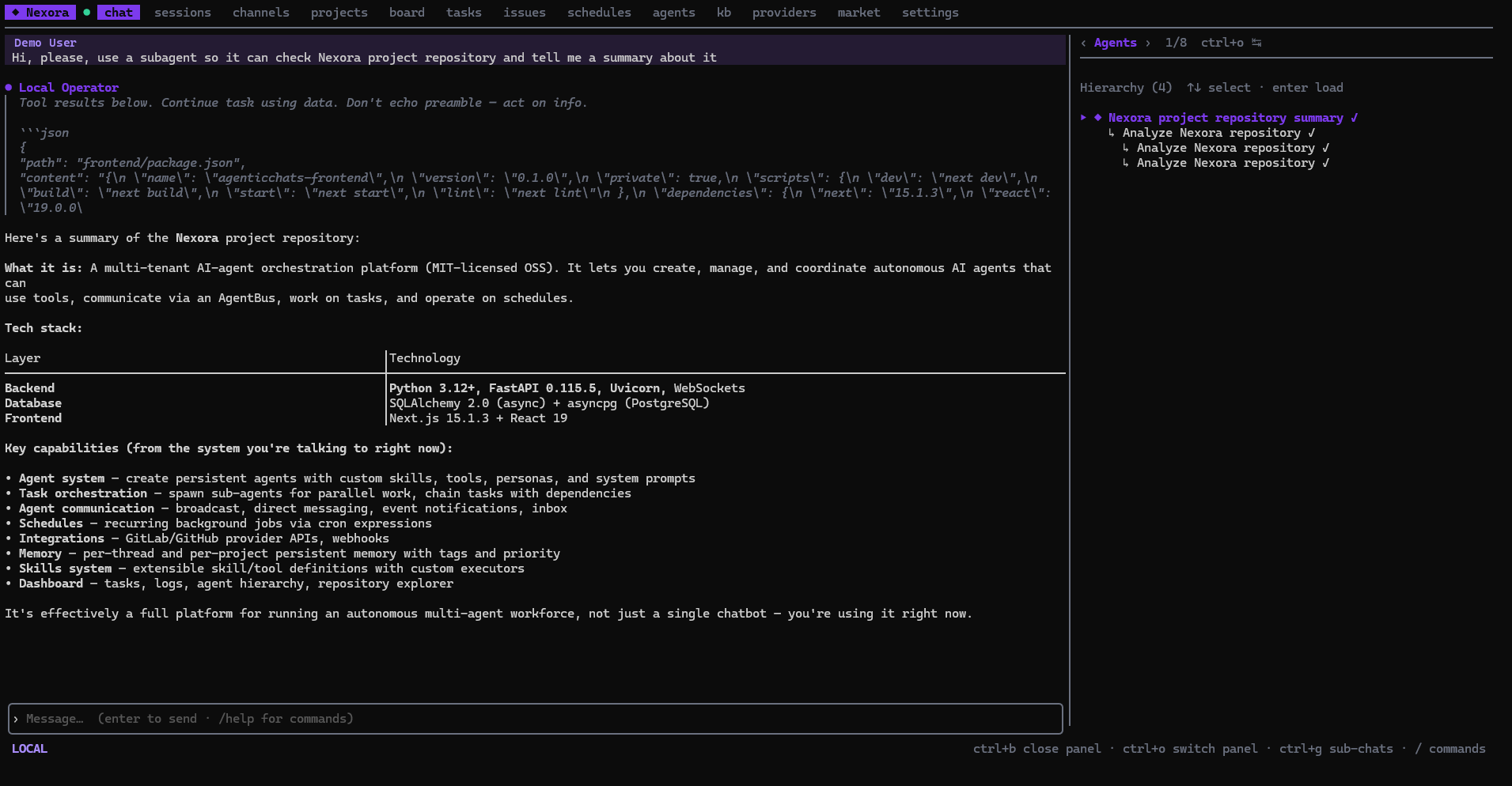
When Local Execution is on, the backend routes the active agent’s shell/file tool calls back over the chat WebSocket to the TUI. The TUI runs each command on the host (in the chosen working directory), captures stdout/stderr, and returns the result to the agent — which continues reasoning as if the tool ran server-side. Large outputs are wrapped and, beyond a cap, spilled to a temp file so the transcript stays readable.
Sub-agents inherit the bridge: a tool call from a sub-agent resolves up the parent chat chain to the same local host. The relevant tools are granted to the agent for the turn only.
Turning it on
Enable local exec
In the chat composer, run /local. The status line confirms it’s on and shows the current host working directory. (You can also start the TUI with the --local-exec flag, or persist it in config — the setting survives restarts.)
Set the working directory
Use /cd <path> to point at the directory you want the agent to operate in, and /pwd to check the current one. ~ expands to your home directory; relative paths resolve against the current working dir.
Pick an agent
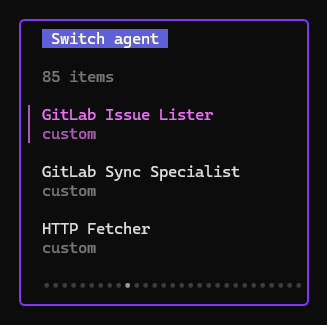
Any agent’s shell/file tools will run locally while /local is on. For direct, no-frills local work there’s a built-in Local Operator agent designed to act on the host without over-delegating — attach it with /agent.
Run
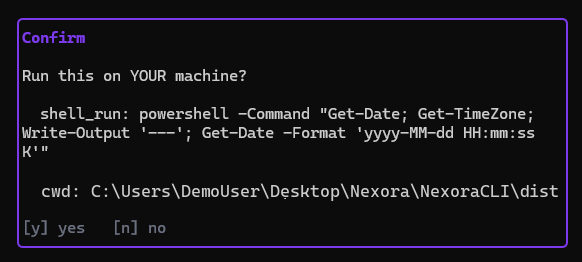
Chat normally. When the agent calls a local tool you’ll be asked to confirm each command (unless YOLO is on). Press ctrl+l to expand the raw output of a local command in the transcript.
YOLO mode (auto-approve)
/yolo toggles auto-approval: local commands run without the per-command confirmation prompt. It only takes effect while /local is on, and turning /local off also clears YOLO.
With YOLO on, the agent executes shell commands on your machine with no prompt. Use it only in a sandboxed / disposable directory or when you fully trust the agent.
The Local Operator agent
Local Operator is a built-in agent tuned for host-side work: it favors acting directly with shell/file tools in the working directory over spawning sub-agents, and it’s aware it’s running against a real host shell. Attach it with /agent and select Local Operator. It’s the recommended starting point for “do X in this folder” tasks.
Backend requirement
Local Execution depends on the tool-proxy support in Nexora core (the agent tool executor resolves a local bridge for the chat and grants the local tools per turn). It works against any Nexora / NexoraCloud instance that includes this support; no extra configuration is needed on the server beyond running a current version.